Free plugin · v0.2.0
Lumenwake
Put Lumenwake on a track and the picture moves with whatever plays through it. Audio passes through untouched. Bring your own image or 3D model, or use the built-in generative scenes, then record the result as a video with a transparent background.
- Windows: VST3 and standalone app
- macOS: VST3 and Audio Unit (in the works)
Built for Ableton Live 12. Works in any host that loads VST3 plugins. Released .
What it does
Your image, moving
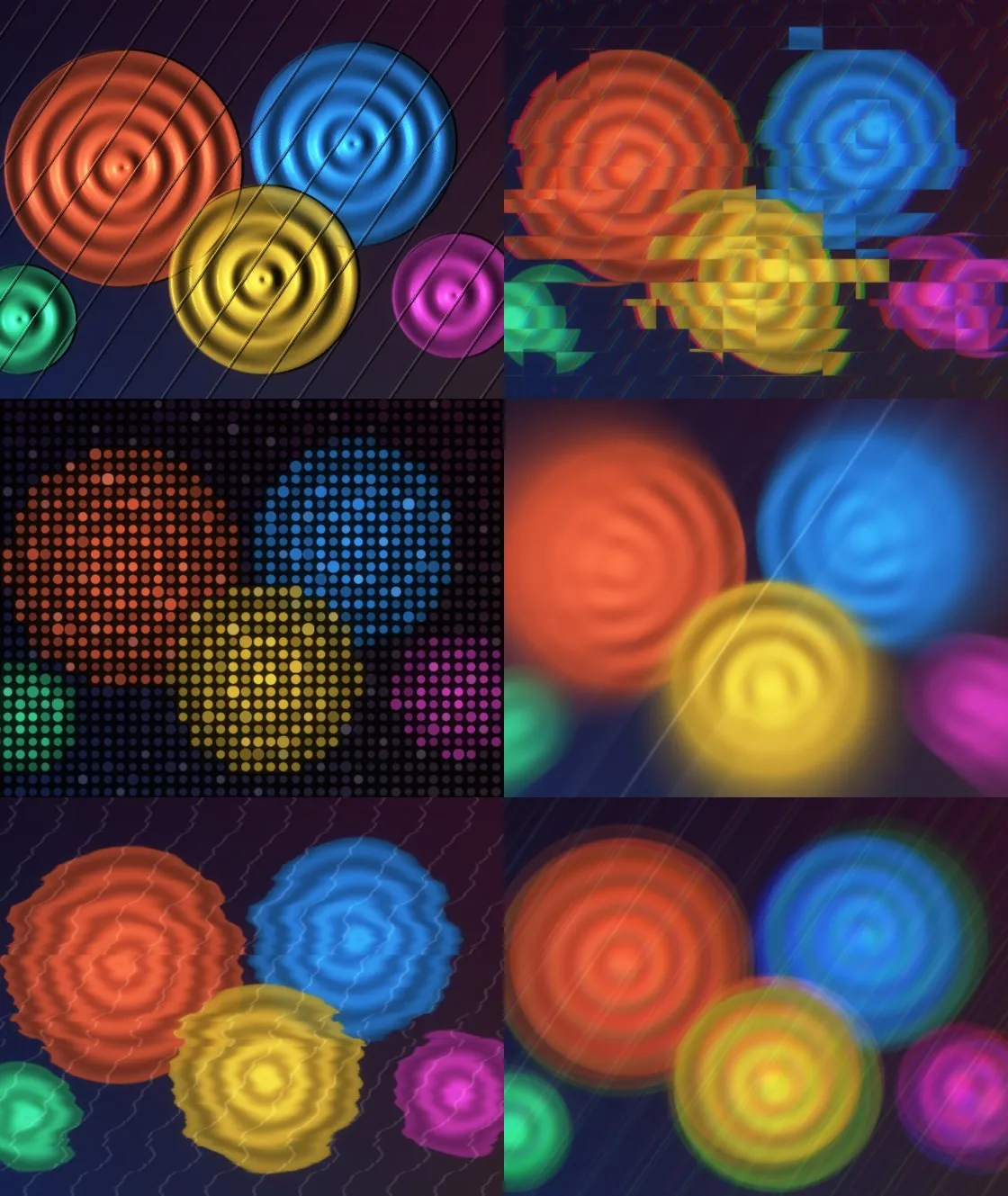
Load a PNG, JPG, GIF or WebP and pick one of 12 modes: Liquid, Ripple, Swirl, Kaleido, Tunnel, Flyover, Relief, Glitch, Mosaic, Echo, Wave or Prism. The picture keeps its own colours.
Your 3D model, reacting
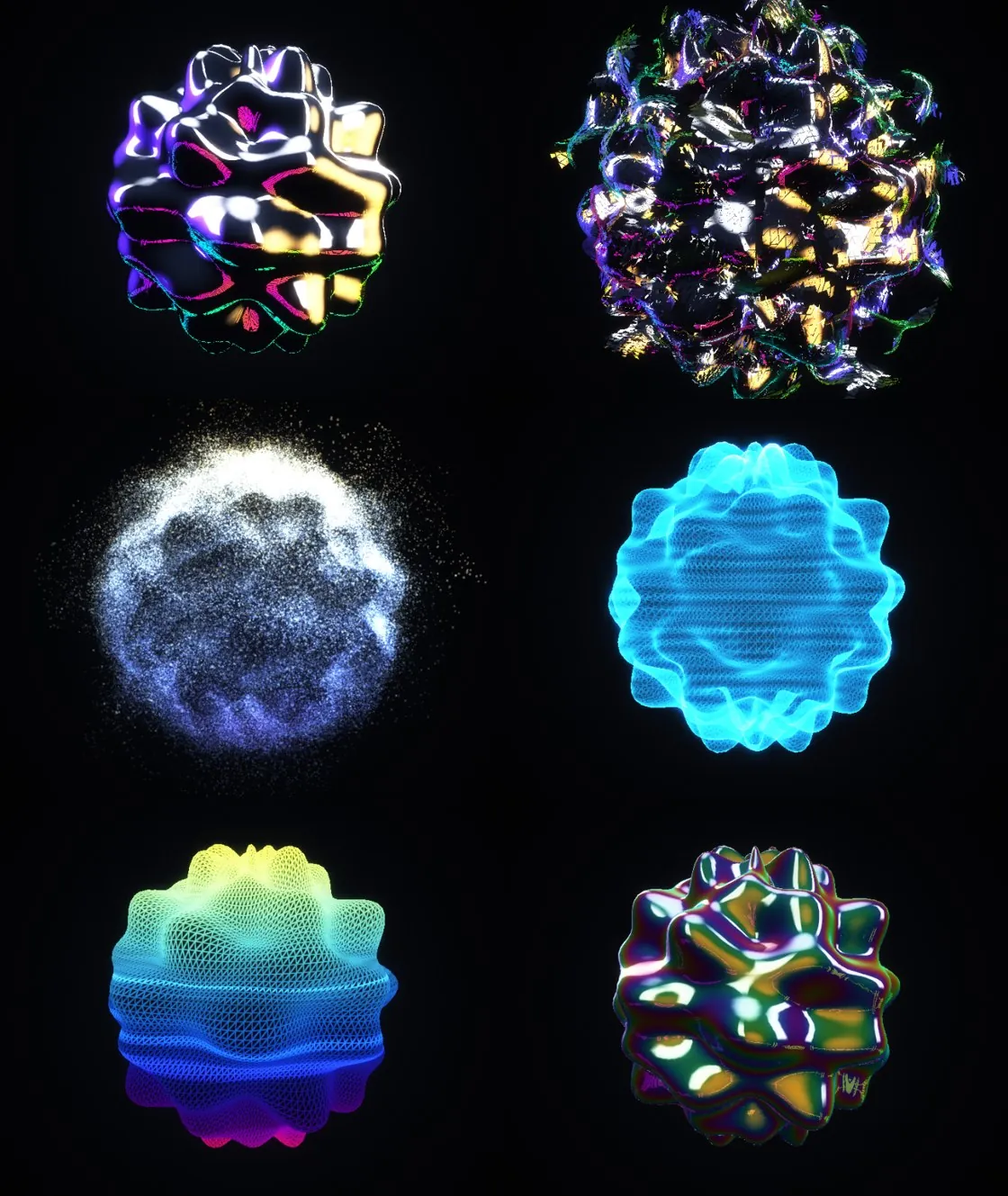
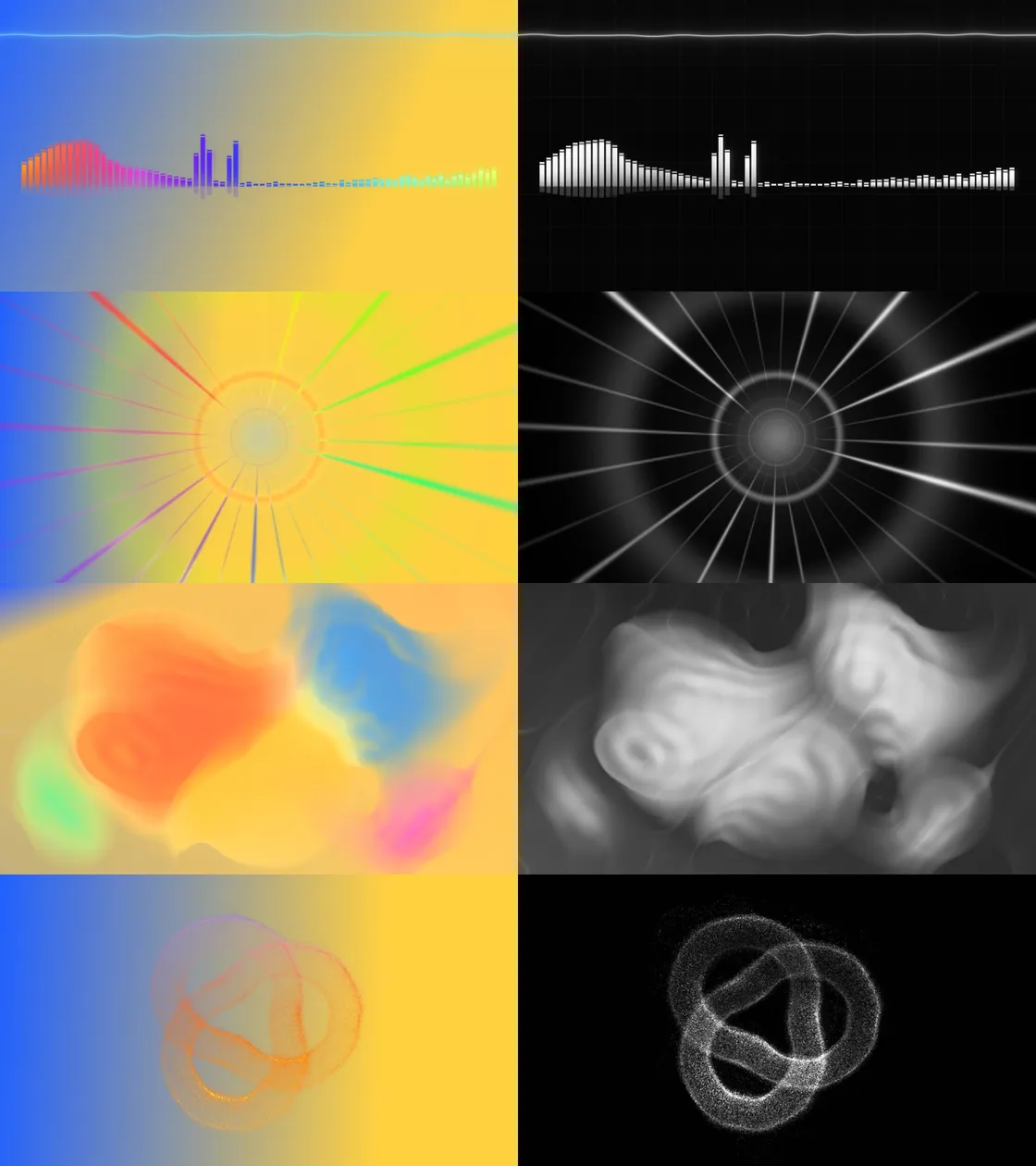
Load a GLB, glTF, FBX, OBJ, STL or PLY file, or use the built-in knot. Six surfaces: Chrome, Shatter, Dust, Hologram, Wire and Iridescent. Drag to turn it, scroll to zoom.
Generative scenes
Neon Tunnel, Ink Flow, Kaleido Bloom, Liquid Metal, Fractal Dive and Spectrum need no source file at all.
Tempo-synced effects
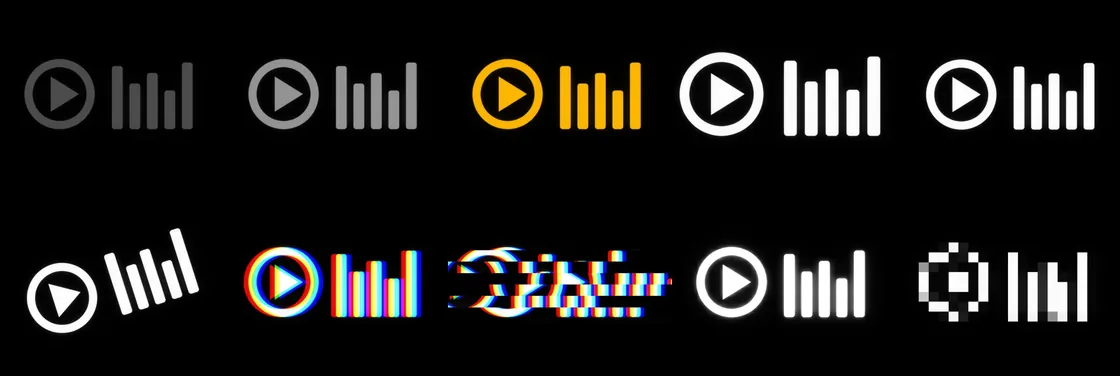
Strobe, Pulse, Color Shift, Zoom Punch, Shake, Swing, RGB Split, Glitch, Glow Pump and Pixelate, each with its own amount and a rate from 8 bars down to 1/32, locked to the host tempo or a free BPM.
Transparent video recording
Record a lossless QuickTime file with an alpha channel and the audio that passed through, at 1080p, 720p, vertical or square. It drops straight into Premiere Pro, After Effects, DaVinci Resolve or Final Cut.
Everything automatable
Every control is a host parameter, so it can be automated or mapped in Live. Loaded files and window size are saved with your set.
Rendered by Lumenwake
Install on Windows (Ableton Live 12)
- Unzip the download.
- Copy the whole Lumenwake.vst3 folder into C:\Program Files\Common Files\VST3\ (this needs administrator rights).
- In Ableton Live, open Settings, then Plug-Ins. Make sure "Use VST3 Plug-In System Folders" is on, then press Rescan.
- Lumenwake appears under Plug-Ins, VST3, Lumenwake. Drop it on an audio or instrument track.
Lumenwake.exe in the same download is a standalone app that listens to an audio input instead of a track.
Good to know
- Recorded takes are lossless and large: about 1.6 GB a minute for a 3D model at 1080p 30, and up to about 10 GB a minute for scenes that fill the frame. Record to an SSD.
- Not included yet: video sources, a preset browser, a separate full-screen output window and model textures.